

Appearance
Skip to content

 Install →Read Guide →View Libraries →
Over 86,000 icons & emojis from the world's best open source libraries - now available in After Effects, Illustrator, and Photoshop as native shape layers.
Every Icon. One Panel.
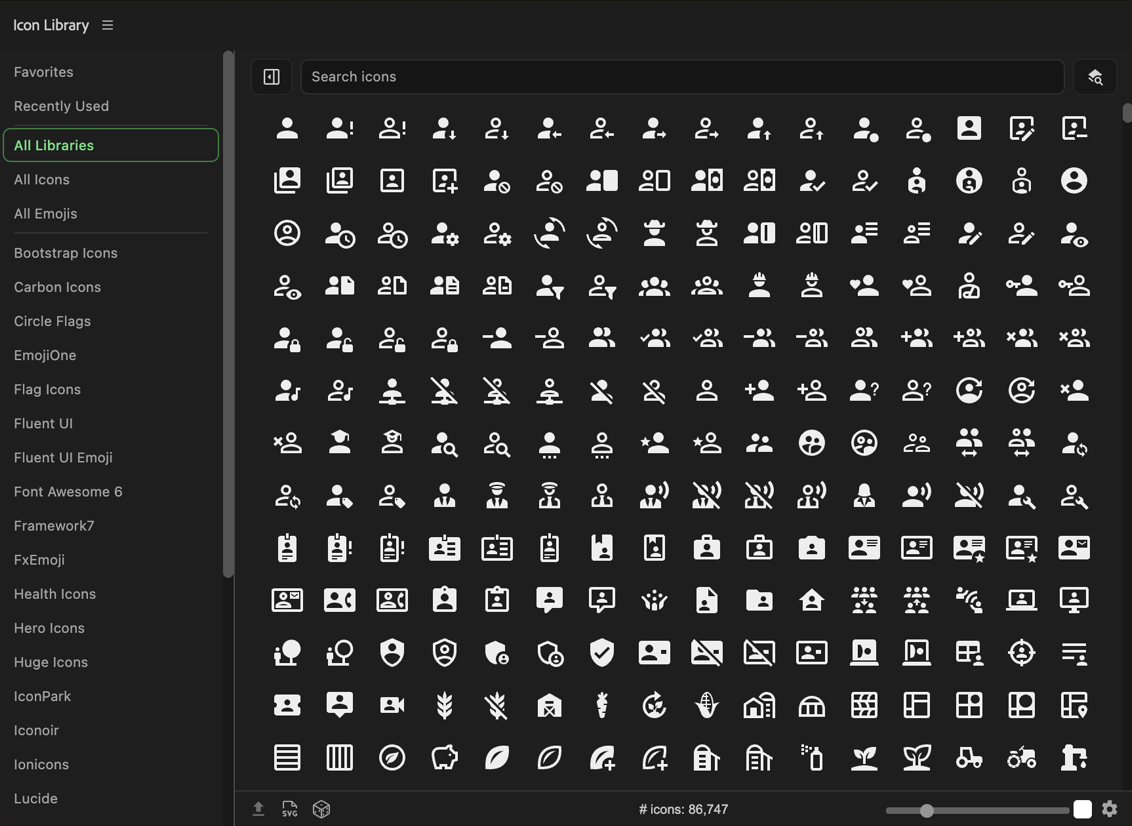
Stop hunting across icon sites and exporting SVGs by hand. Icon Library puts over 86,000 icons and emojis from the top open source libraries directly inside your Adobe apps - searchable, colorable, and inserted as native, fully editable shape layers in a single click.
Redesigned UI
A completely redesigned two-column layout gives you more space to browse while keeping library navigation and controls always at hand. Fits any workspace - wide or narrow, docked or floating - and supports both light and dark host app interfaces.
Emoji Support
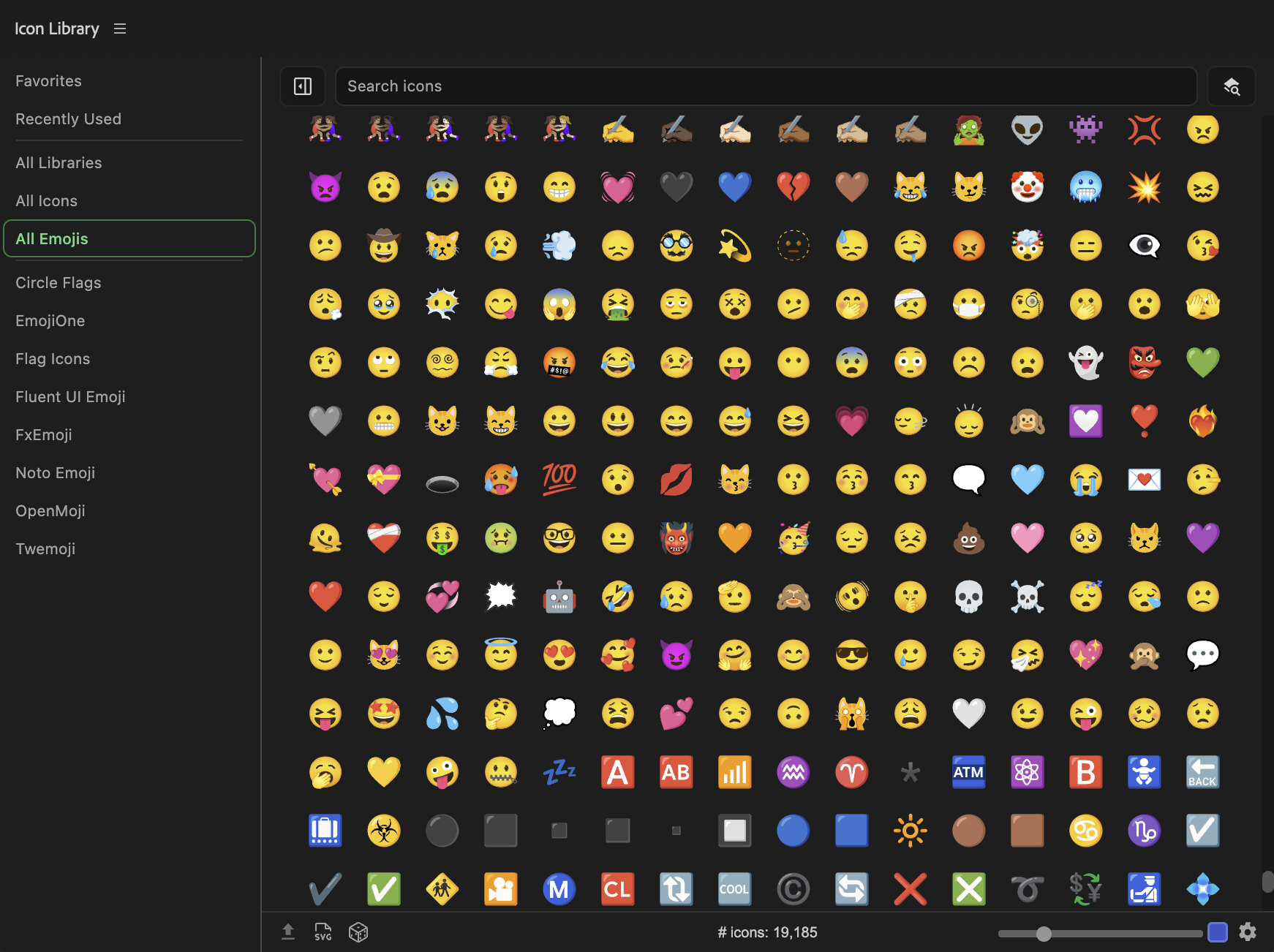
Six dedicated emoji libraries - EmojiOne, Fluent UI Emoji, FxEmoji, Noto Emoji, OpenMoji, and Twemoji - are fully integrated alongside the icon libraries. Browse, search, and insert any emoji as a native shape layer, just like any other icon.
Recents & Favorites
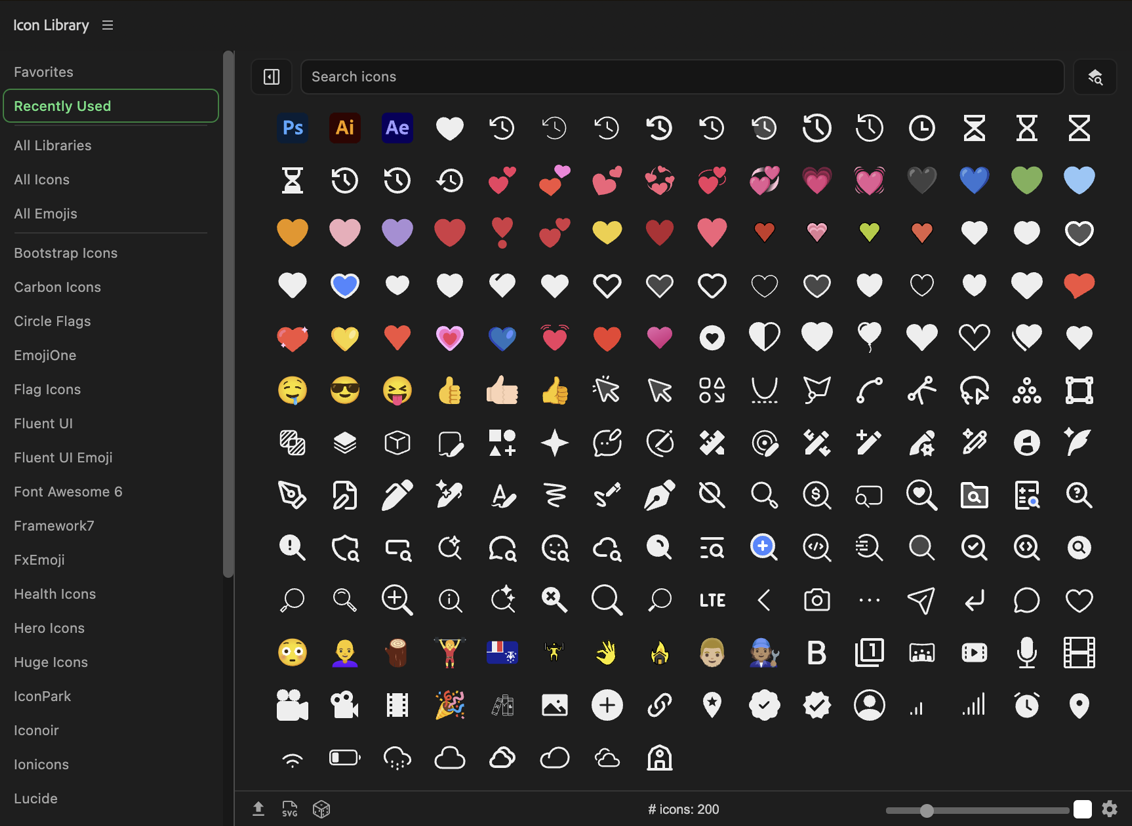
Your 200 most recently used icons are always one click away. Star any icon to add it to your personal Favorites library. Never re-search for the same icon twice.
Random Icons
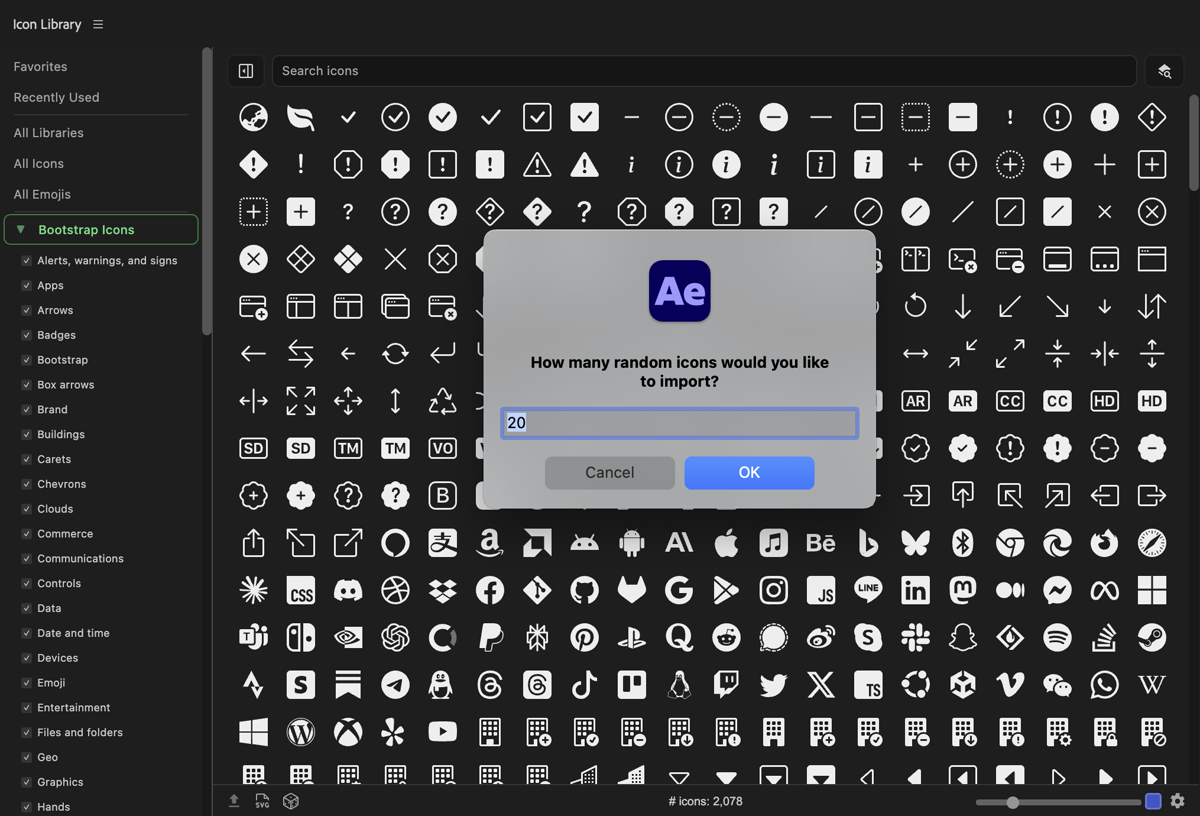
Not sure what you're looking for? Hit the random button to pull a selection of icons from whatever library or search you're currently browsing - a great way to discover icons you didn't know existed.
Intelligent Keyword Search
Responsive, Customizable UI
Works Where You Work
Available as a native panel in After Effects, Illustrator, and Photoshop.
After Effects
Insert icons as fully editable native shape layers. Supports strokes, opacity, gradients, and all AE layer options. Optimised for native SVG processing in AE 2026+.
AE 2021+Illustrator
Place icons directly into your artboard as native vector shapes - scalable, editable, and ready for any print or screen workflow.
AI 2021+Photoshop
Add icons as shape layers to any document. Available as both a legacy CEP panel and a modern UXP-native panel for Photoshop 2024 and later.
PS 2022+ (CEP)PS 2024+ (UXP)Learn More
Everything you need to get the most out of Icon Library
Installation
Get Icon Library installed in After Effects, Illustrator, or Photoshop in minutes. Covers the ZXP installer method and manual installation.
User Guide
A full walkthrough of the panel - browsing libraries, searching, inserting icons, using color controls, and customising settings.
Supported Libraries
Browse all 28 included libraries - icon and emoji sets with licensing info, version numbers, and links to the upstream open source projects.
Full Walkthrough
A complete tour of Icon Library 2.0